
⌖
Latest position
See a device’s most recent reported coordinates and when they were saved.
YOUR DEVICES, ONE CLEAR VIEW
Connect a phone or GPS gateway, check the latest reported location, and explore saved routes in your private SnapMap workspace.
Starter supports one device. Verify your email to get started.
INSIDE THE WORKSPACE
Check devices, see their latest reports, and open the map from wherever you are.
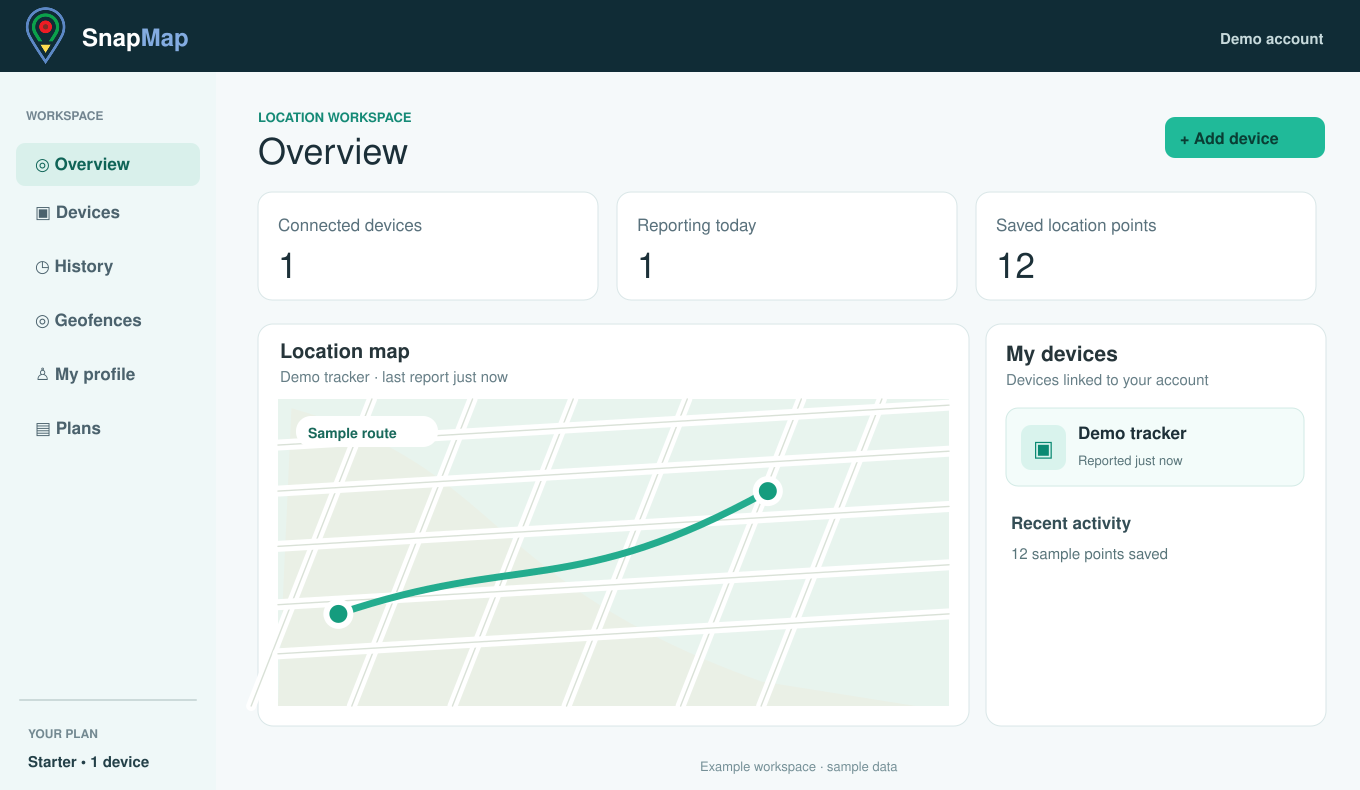
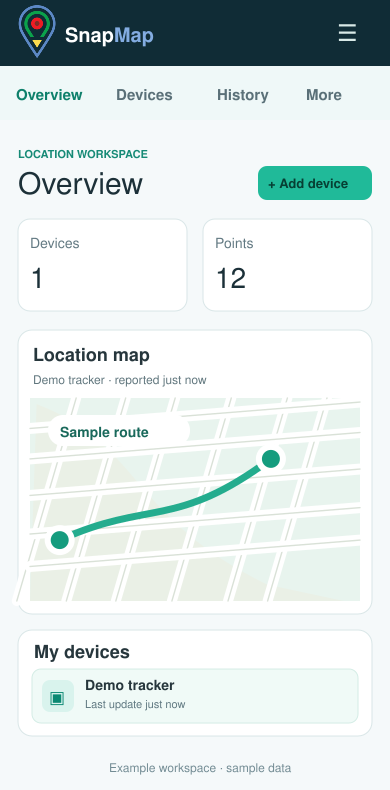
Workspace previews use sample data. Your devices and locations stay in your private account.
BUILT AROUND YOUR DEVICES
Review updates from connected phones and GPS gateways in one place.
See a device’s most recent reported coordinates and when they were saved.
Choose a day, browse older points, replay a route, or export saved data as CSV.
Mark an area and review when a reporting device enters or leaves it.
Create an expiring, revocable link to a device’s latest reported position.
HOW IT WORKS
Create your account, add a device, then pair a phone or connect a GPS gateway. Open the workspace to see new reports and saved history.
Phone browser tracking sends updates while its tracker page is open and permitted to use location. A phone may pause browser tracking in the background; continuous background tracking requires a native solution.
MONTHLY PLANS
Every plan includes a private map, history, route review, geofences, and data controls.
Get started with one connected device.
1 deviceCreate accountBring a small group of devices together.
Up to 5 devicesGet startedSee more devices from one workspace.
Up to 20 devicesGet startedStart on Starter. Paid upgrades, when available, open Stripe checkout from your SnapMap account. A plan does not automatically connect a GPS device.
GOOD TO KNOW
The browser tracker needs its page open and location permission. Phone operating systems may pause background pages.
SnapMap accepts reports from a configured GPS gateway. Your device or provider needs to send its location data to that gateway.
Your account controls its devices and history. An optional share link shows only one device’s latest report until it expires or is revoked.
Visit the Help page or send a support request from your account.
Create a Starter account and connect your first device.
Open SnapMap